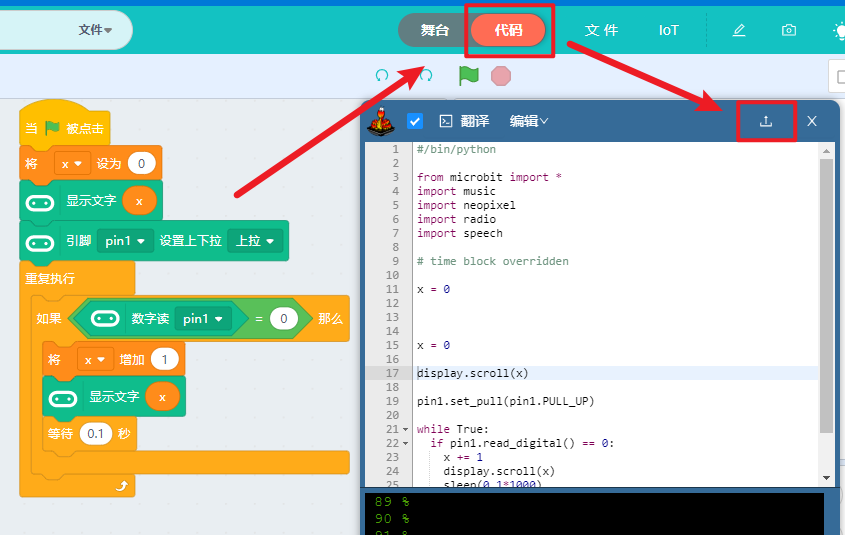
Sugar Button
Physical button detection, commonly used for switching between on/off states or counting. When triggered, it changes the digital level.
The Sugar button comes in two colors, red and blue, both of which are used in the same way.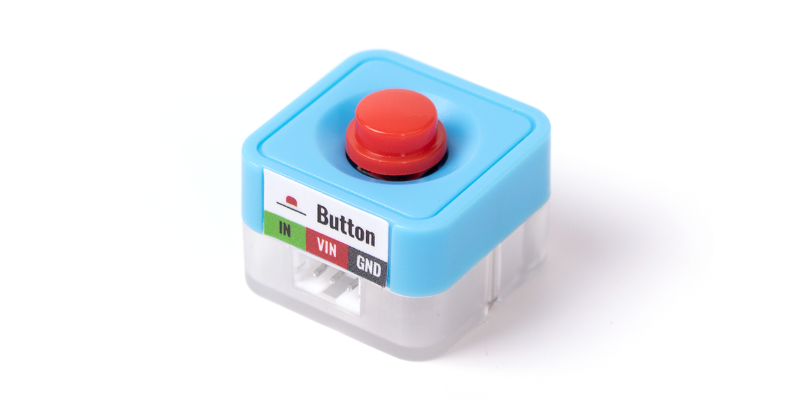
Parameters
| Size | 24 x 24 x 19 mm |
|---|---|
| Weight | 5.1 g |
| Signal | Digital input (with blue indicator light) 1 (high level): Normal state 0 (low level): Pressed |
| Type | Red, Blue |
##Wiring
There are two colors of buttons in the Sugar system: red and blue. The following uses the blue button as an example, connected to P1 on the Robotbit Edu using a 3-pin terminal cable. (Any of the eight white terminals can be used for connection. Note that the actual wiring must correspond to the program written.)
After turning on the Robotbit power, you can see the red light at the bottom of the button module light up (indicating the module is powered normally).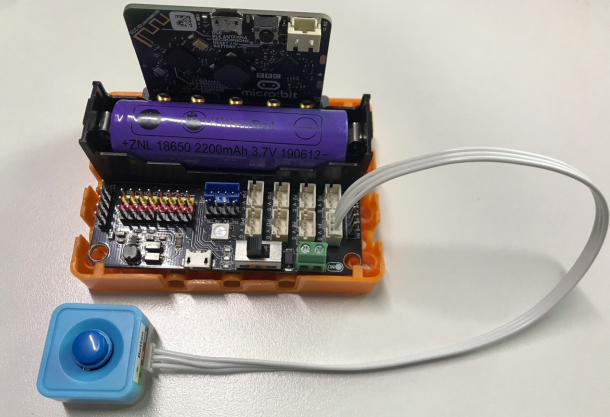
If the blue feedback light on the module is lit when the button is not pressed, it may be because the P1 pin is outputting a high level. Don't worry, just continue with the following steps.
Programming
使用注意
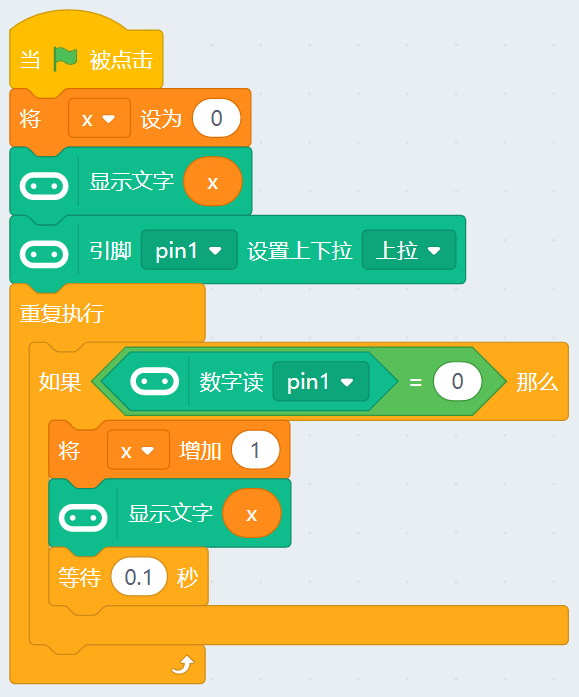
The corresponding block for the button is the [Digital Read] block. Before using the [Digital Read] block, the corresponding pin must be initialized with a pull-up setting
download: