03 Rotary Button
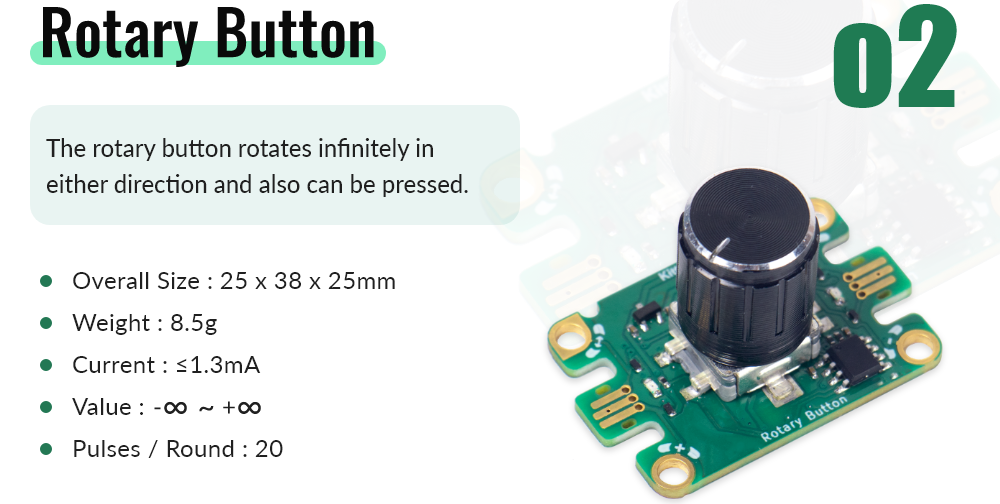
Module Introduction
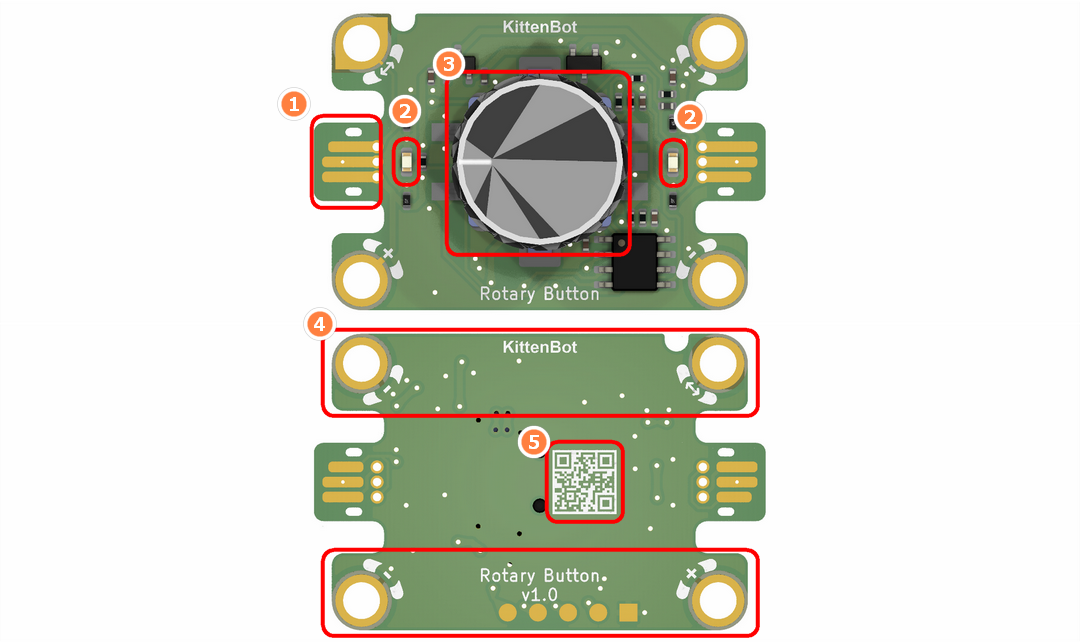
- Jacdac Interface
- Jacdac Communication Indicator
- Rotary Encoder with Button
- Jacdac Standard Through Hole
- Product QR Code
Components used
- 1x MicroUSB Cable
- 1x MicrobitV2
- 1x Jacdaptor
- 1x Cable
- 1x RotaryButton
Connection
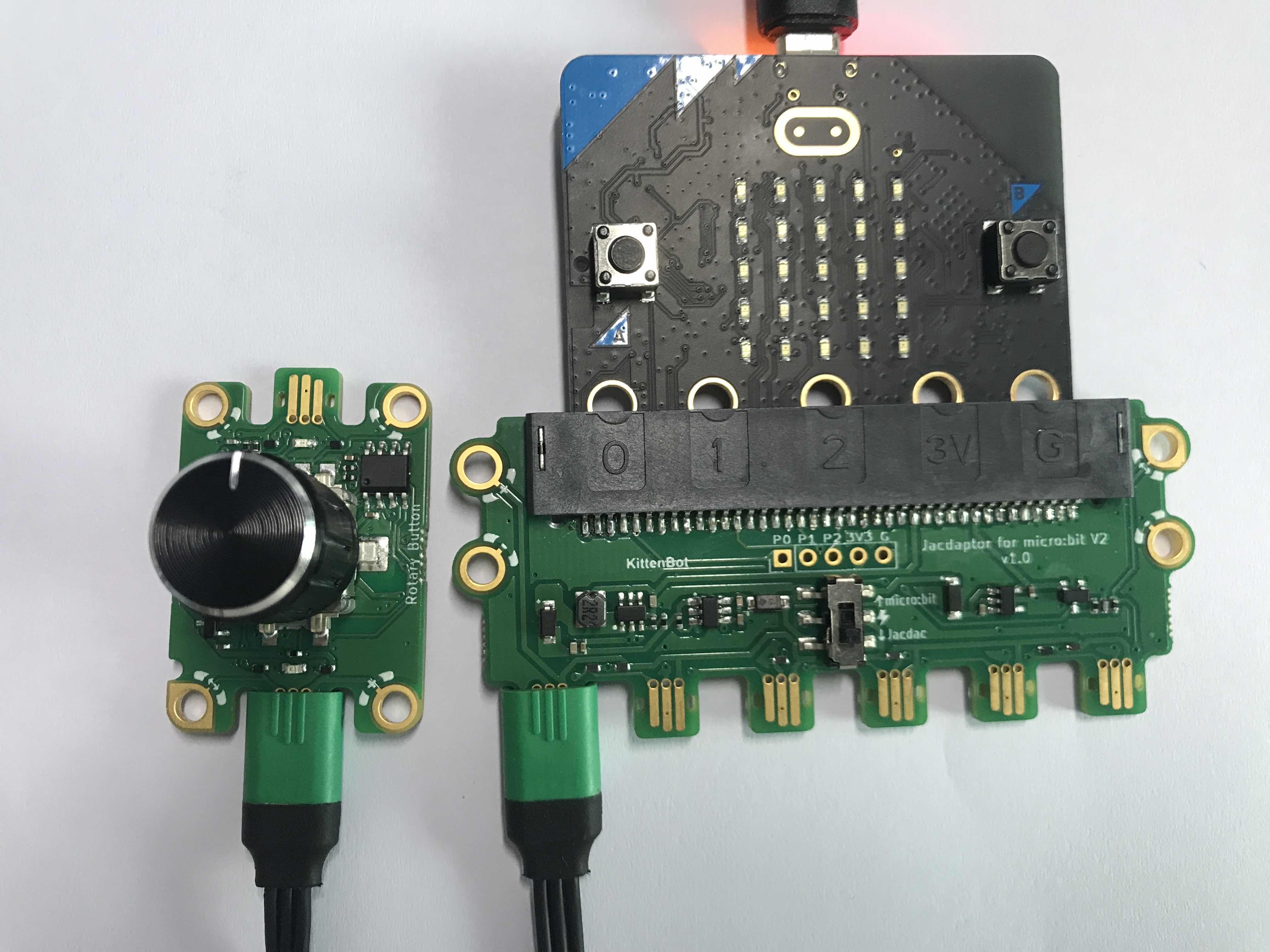
PC-〉MicroUSB -〉MicrobitV2-〉Jacdaptor-〉Cable-〉RotaryButton
Coding Platform
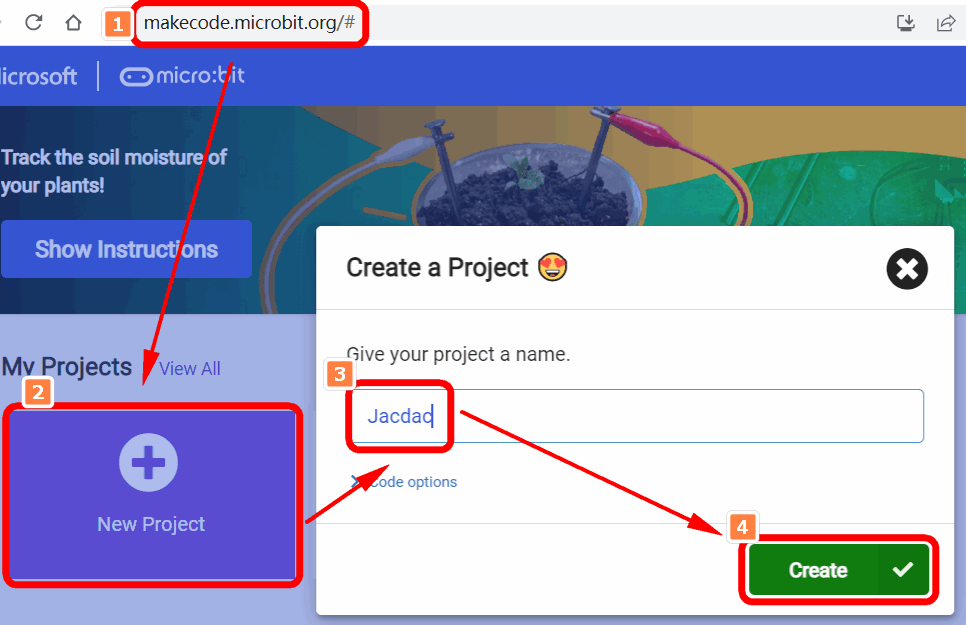
https://makecode.microbit.org/
Create a new project
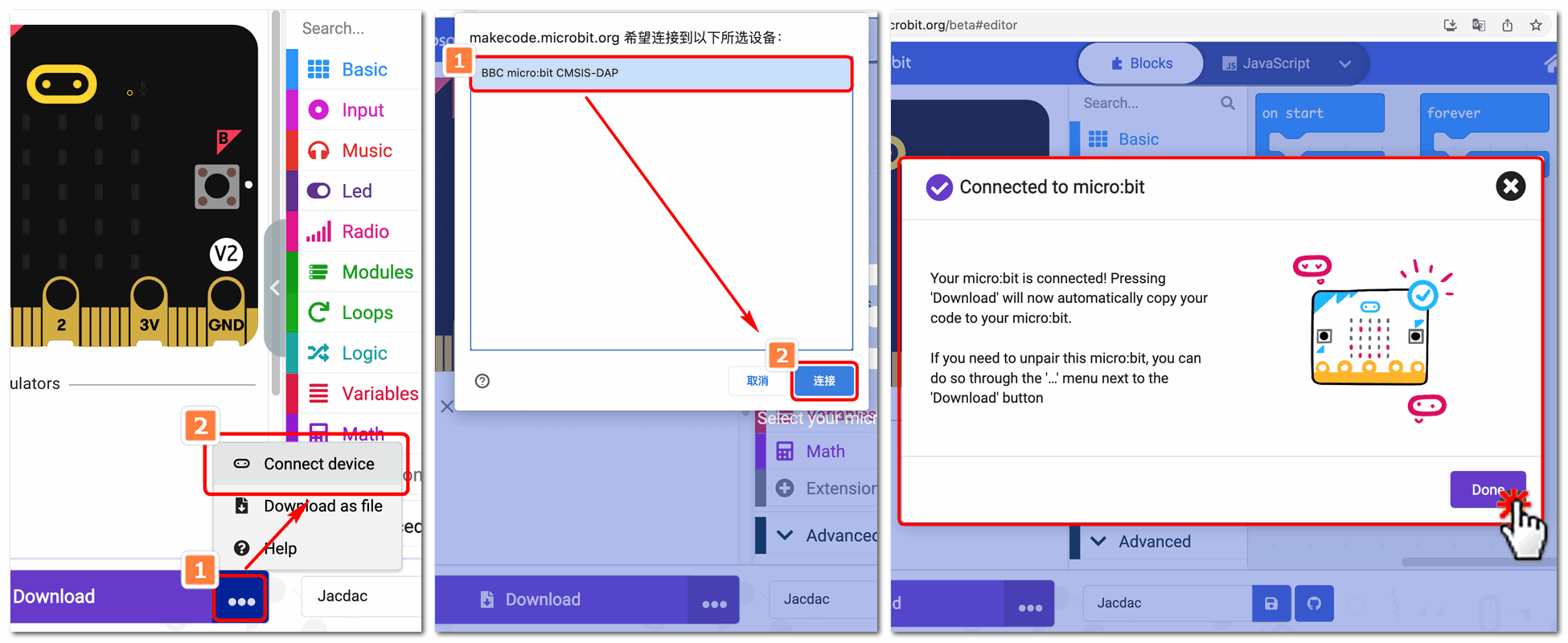
Establish a connection
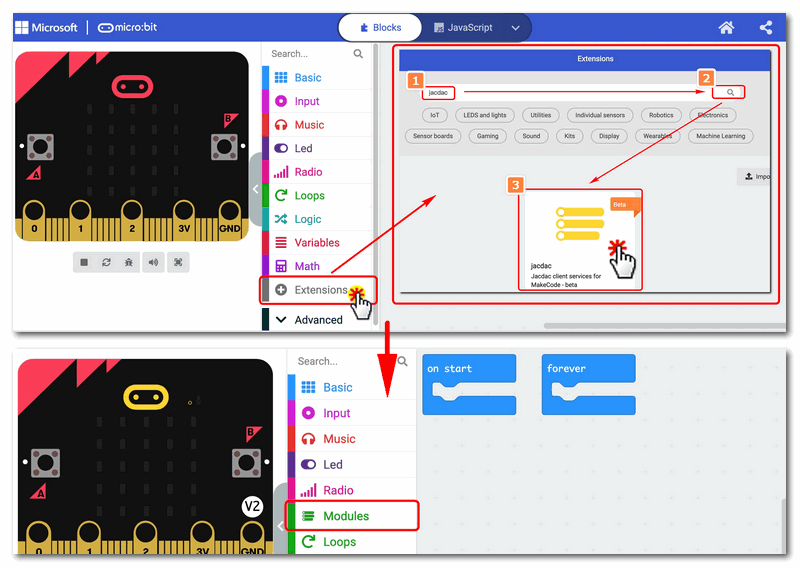
Extensions——Jacdac
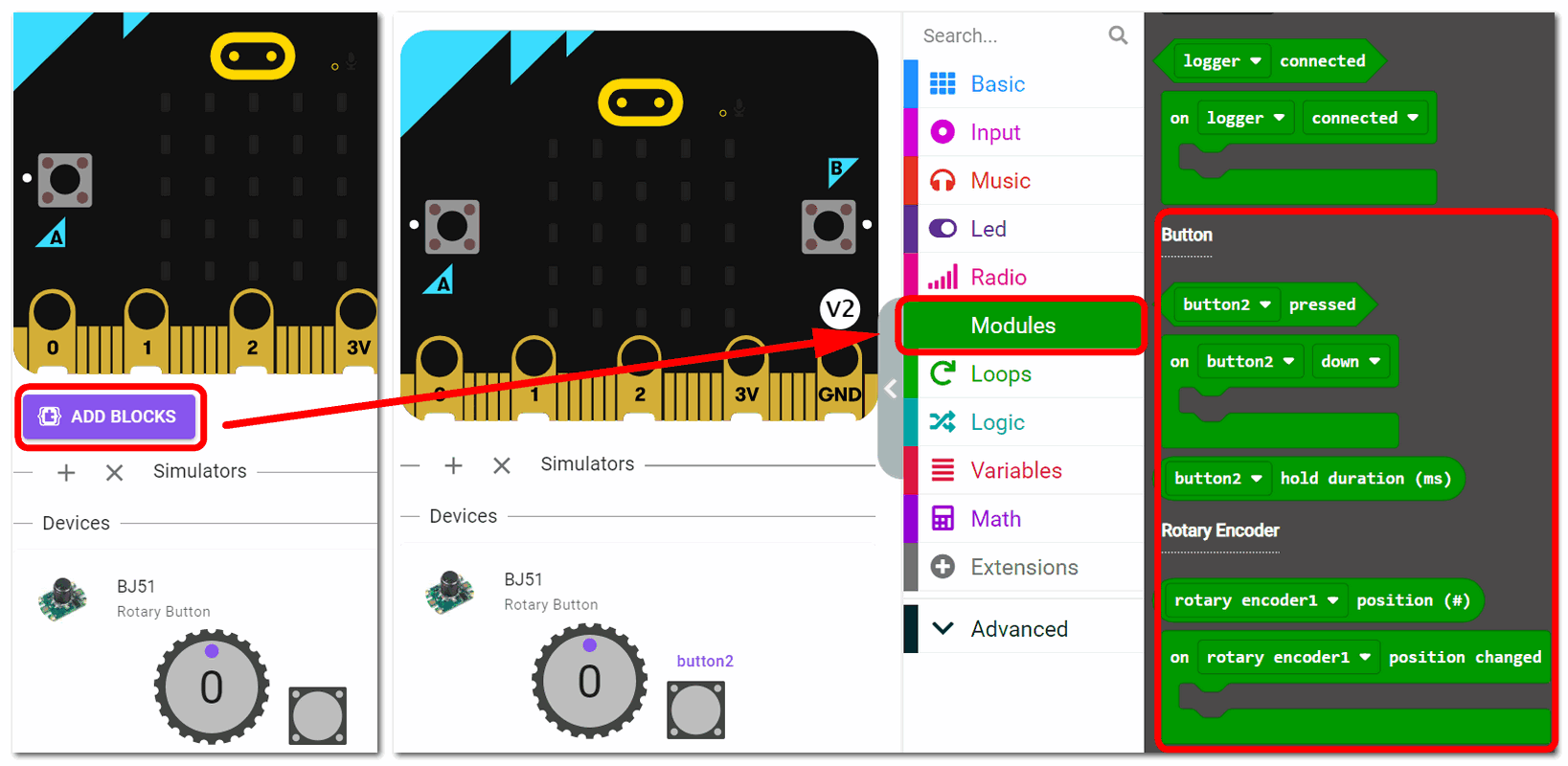
Add Jacdac RotaryButton Block
Program and download
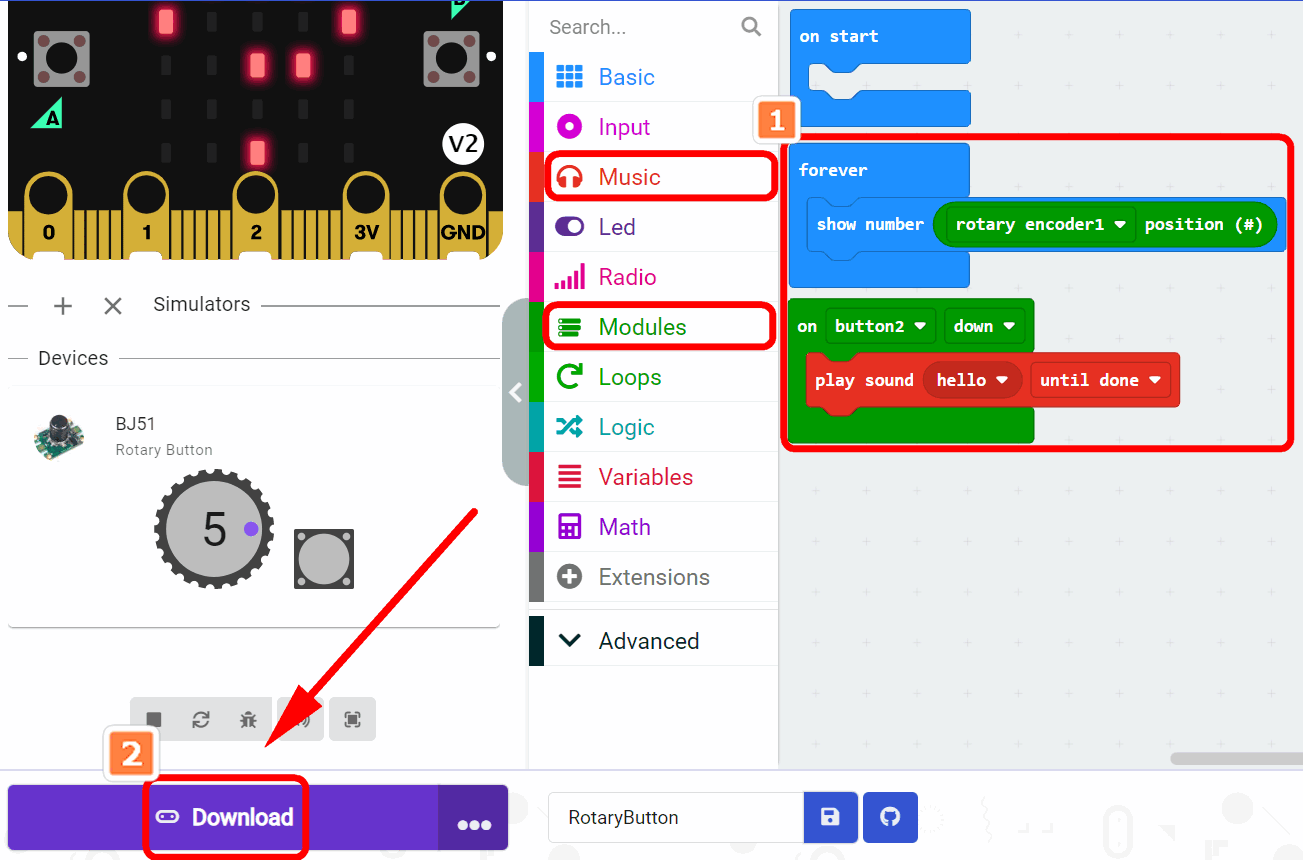
After downloading, you need to press the A button to start
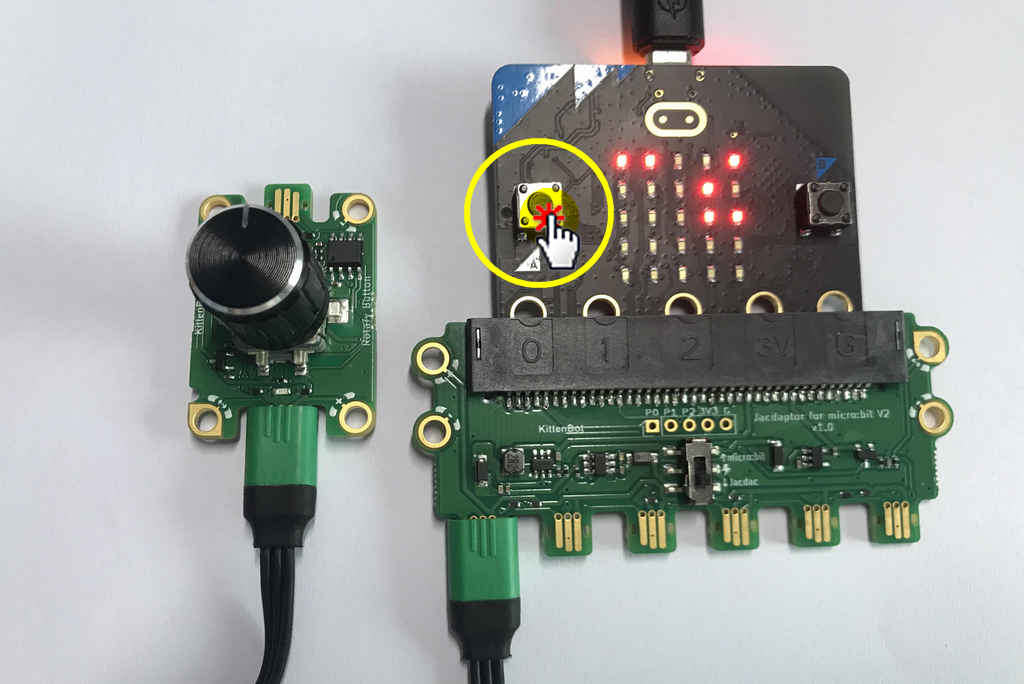
The Result
When the rotary button is not turned:
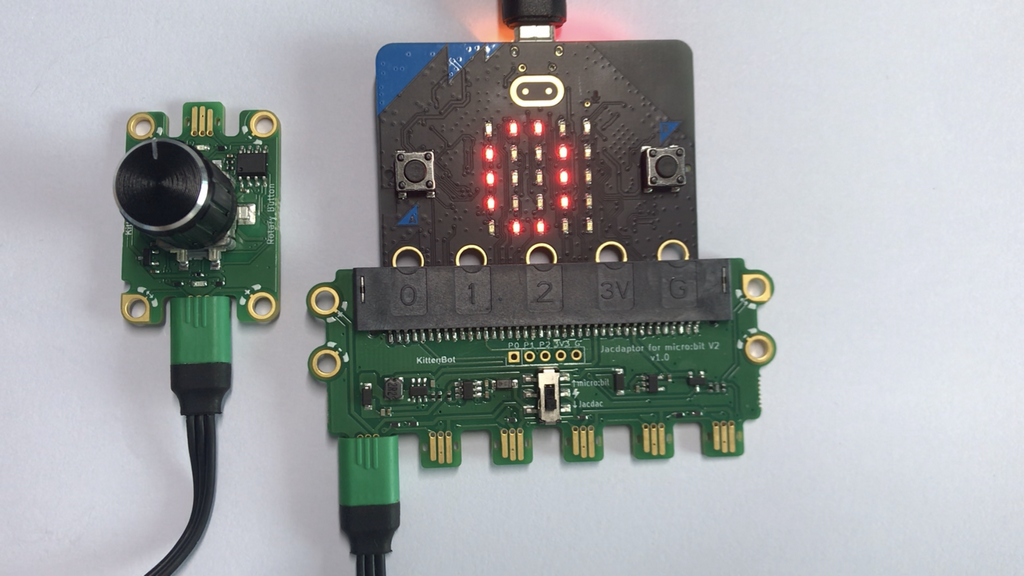
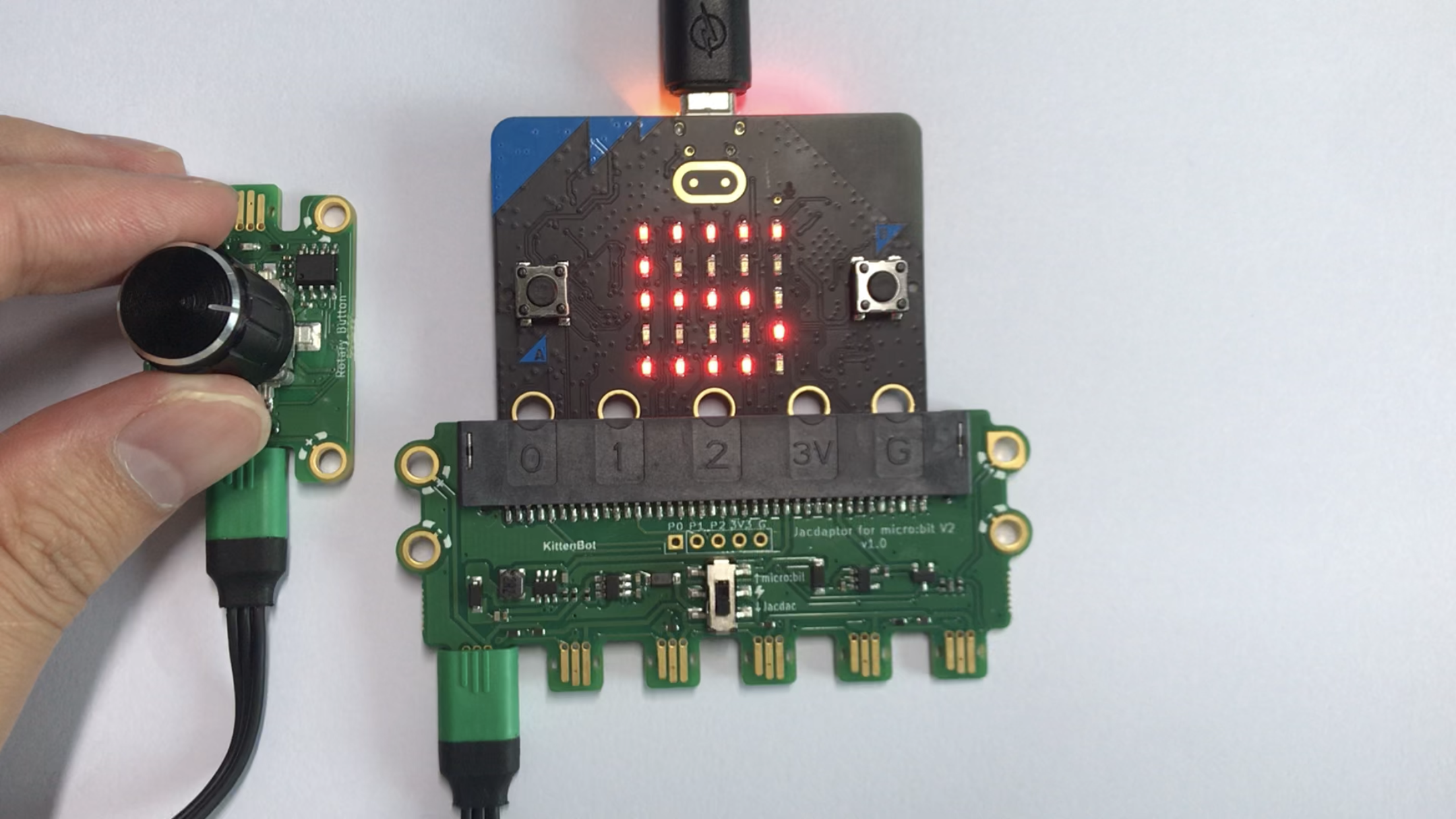
When the rotary button is turned 5 grids: one circle is 20 grids